Run Cursor's agent CLI in parallel
Maestro is a free desktop app that runs Cursor's command-line agent, cursor-agent,
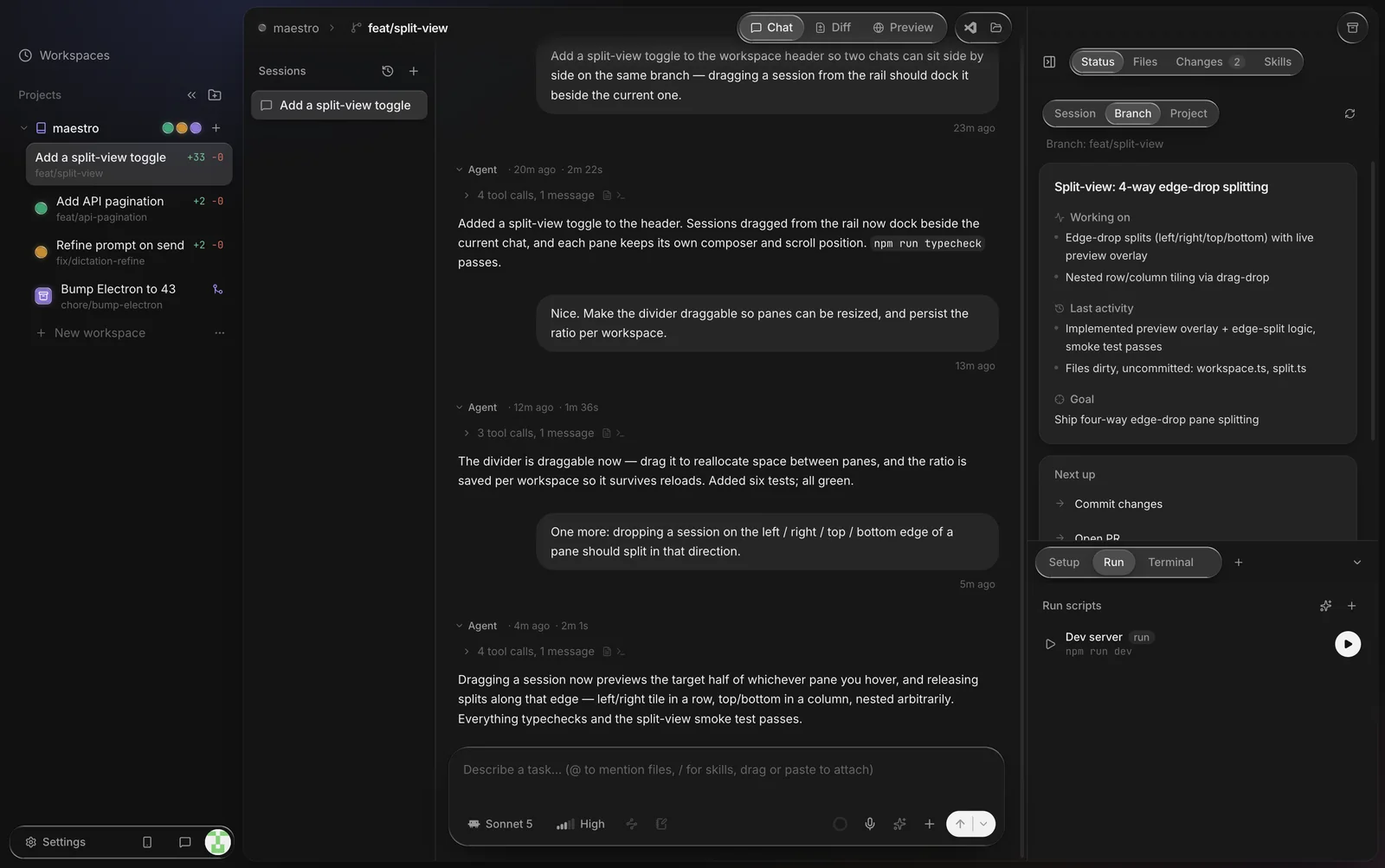
in as many parallel workspaces as you like. Each run gets its own git worktree and branch, and
you review and ship the results from one window.
Why run the Cursor CLI in parallel
Cursor's agent CLI works well in a terminal, but one terminal is one task in one checkout. Run a second agent in the same folder and the two overwrite each other's edits. The usual fix is a git worktree per task: a second checkout of the same repo on its own branch. Maestro creates and manages those worktrees for you, one per workspace, with no cap on the number.
What you get on top of the CLI
- Parallel workspaces. One worktree and branch per workspace, so parallel Cursor agents never collide.
- A diff review loop. Read each workspace's diff, comment inline, and send the comments back to the agent.
- Pull requests. Open a PR from the workspace branch in the app.
- An editor and a preview. A Monaco-based editor (Jupyter notebooks included), a terminal per workspace, and a built-in browser preview with freeze-frame annotations.
- Your phone. Maestro Web mirrors every workspace to a mobile web app: follow turns, send messages, review diffs, and get notified when an agent is done.
How it works
Maestro runs the Cursor CLI in print mode with streaming JSON output, one process per message, inside the workspace's worktree:
cursor-agent -p --output-format stream-json --force [--resume <session-id>] "<your message>"- A live transcript. The agent's text streams into the chat as it arrives, and each tool call shows up as a step that starts and completes.
- Conversation continuity. Maestro records the session id the CLI reports and passes
--resumeon the next message, so a chat stays one Cursor conversation. - No approval stalls. Without
--force, print mode only proposes changes. Maestro passes it so the agent can apply edits and run commands; the worktree keeps that contained. - Models. Maestro doesn't override Cursor's model: the picker shows "Default" and the CLI uses its own configured model. Maestro's effort and plan-mode controls are hidden for Cursor because its CLI has no non-interactive equivalent that Maestro drives.
- Your account. Cursor's docs recommend an API key for scripted use. Create one in your Cursor dashboard and either export
CURSOR_API_KEYor paste it into Maestro's Settings → Harnesses, and Maestro passes it to the CLI at launch. Usage is billed by Cursor under your own account. - What gets installed. Only Maestro. It runs the
cursor-agenton your PATH. Cursor's docs now call the commandagent; as of September 2026 the official installer puts bothagentandcursor-agenton your PATH (macOS, Linux and Windows), so a standard install just works. - Remote machines. On an SSH project, the CLI runs on the remote host.
Set it up
curl https://cursor.com/install -fsS | bash on macOS, Linux, or WSL, or irm 'https://cursor.com/install?win32=true' | iex in Windows PowerShell. It installs to ~/.local/bin, so make sure that's on your PATH.
agent login for the browser flow, and for unattended runs set up an API key (CURSOR_API_KEY), which you can also save in Maestro.
What about the Cursor editor?
Cursor's own editor is the vendor's GUI for its agent. As of September 2026 it can run several agents in parallel from its Agents Window, including in git worktrees, alongside Cursor's cloud agents. If you already work in the Cursor editor all day, that's the natural place to use them.
Maestro fits a different workflow: you drive the agent CLI rather than the editor, you want other agents (Claude Code, Codex, OpenCode, Kimi Code, Grok Build) in the same window, one per workspace, or you want every workspace on your phone through Maestro Web. Maestro also has an "Open in IDE" setting, so you can jump from a workspace into Cursor, VS Code, or another editor.
The worktree pattern is the same whichever agent you use; the parallel Claude Code guide walks through it with plain git.
FAQ
Is Maestro made by Cursor?
No. Maestro is independent and not affiliated with or endorsed by Anysphere, the company behind Cursor. It runs Cursor's official CLI, which you install from Cursor.
Do I need a Cursor API key?
Maestro runs whatever sign-in your CLI has. Cursor recommends an API key for scripts and automation, and Maestro reports Cursor as connected when it finds one, so an API key is the most reliable setup. Usage counts against your Cursor account either way.
Which platforms are supported?
Maestro runs on macOS (Apple Silicon), Windows 10/11 (64-bit), and Linux (x86_64 AppImage). See Windows and Linux.
Is it free?
Yes. Maestro and Maestro Web are free; Cursor bills its usage to your own account.
Can I mix Cursor with other agents?
Yes. Each workspace picks its own agent, so Cursor's CLI can run in one worktree while Claude Code or Codex run in others.